Effortlessly Download Videos with Downie for Mac
Finding a dependable application to download videos from the web can be quite a challenge. Many tools fall short over time, either becoming outdated, ceasing development, or being acquired by questionable entities. However, one application that stands out against these issues is Downie for Mac. This tool allows users to effortlessly download videos from numerous sites such as YouTube, Instagram, Reddit, Facebook, Vimeo, and others, all at the click of a button. Not only has it been consistently updated over the years, but it also features a straightforward pricing strategy—just a one-time payment of $20. For Mac users, this remains the most dependable choice available.
A Guide to Using Downie for Video Downloads
After downloading Downie on your Mac, it’s advisable to enhance its functionality by adding its browser extension to your preferred web browser. Compatible options include Chrome, Firefox, Safari, and Opera.
To use it, just navigate to any webpage containing a video, click the Downie icon located in your browser’s toolbar, and let the application do the rest. It’s genuinely that straightforward. One potential hiccup arises when multiple videos exist on a single page. For instance, if you access your Instagram feed and click the Downie button, it may not be able to download every video simultaneously. The workaround is to open the specific post you wish to download in a new tab before activating Downie.

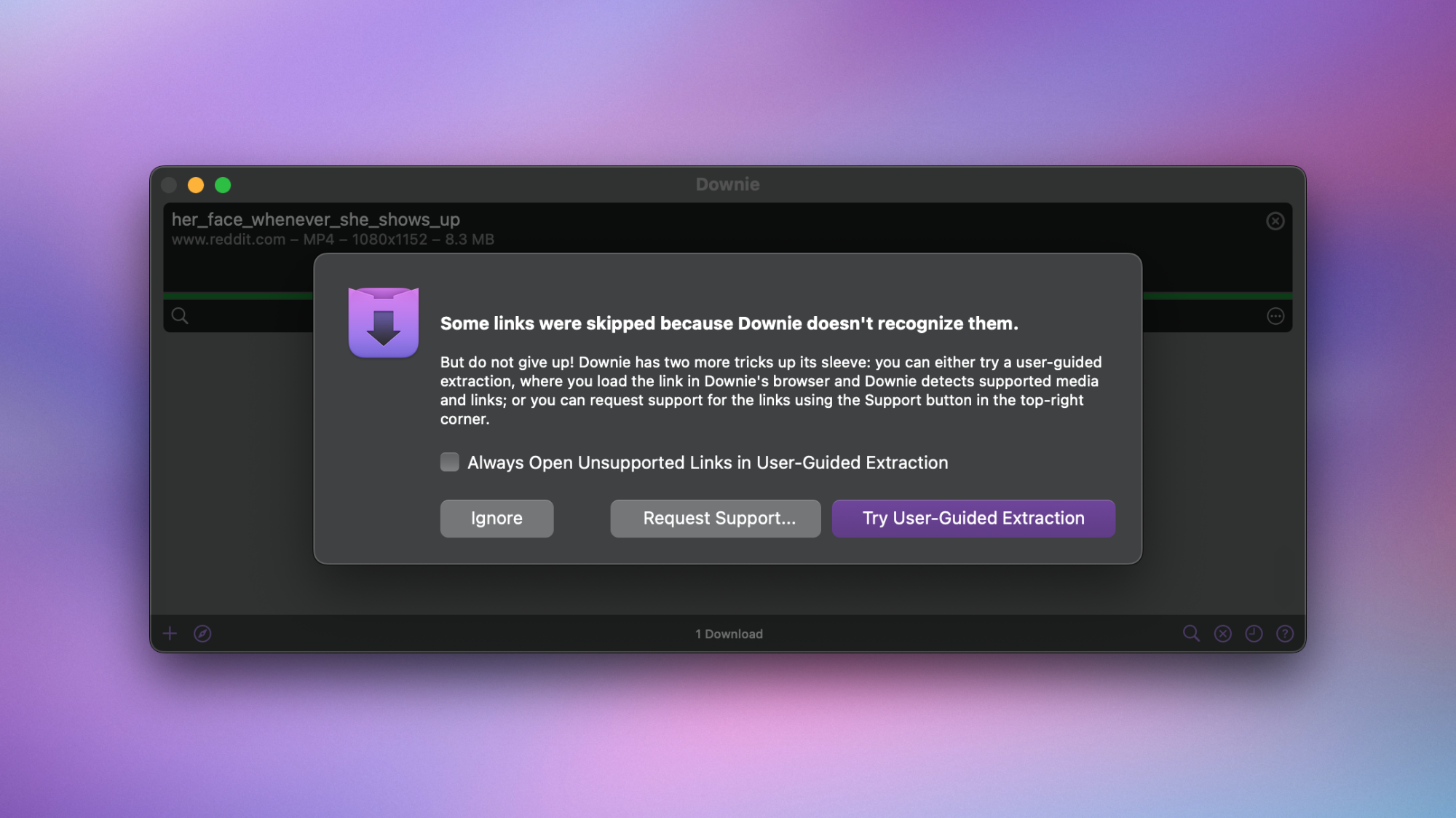
If direct URL access to a video is available, simply copy and paste it into Downie, circumventing the need for browser extensions. For websites that Downie does not support directly, a user-guided extraction mode is available for additional assistance, though it may not be completely reliable. Although not often required, there’s also a helpful developer’s guide for utilizing this feature, keeping in mind that it might not bypass advanced copy protections.
In testing, Downie successfully downloaded most of the videos I sought. I explored several social media platforms and video services, including more challenging ones like Instagram Reels. However, one limitation observed was with Instagram Stories, which could not be captured by the app reliably. Alternatives exist for those situations, as detailed in this resource.
Optimizing Downie’s Settings
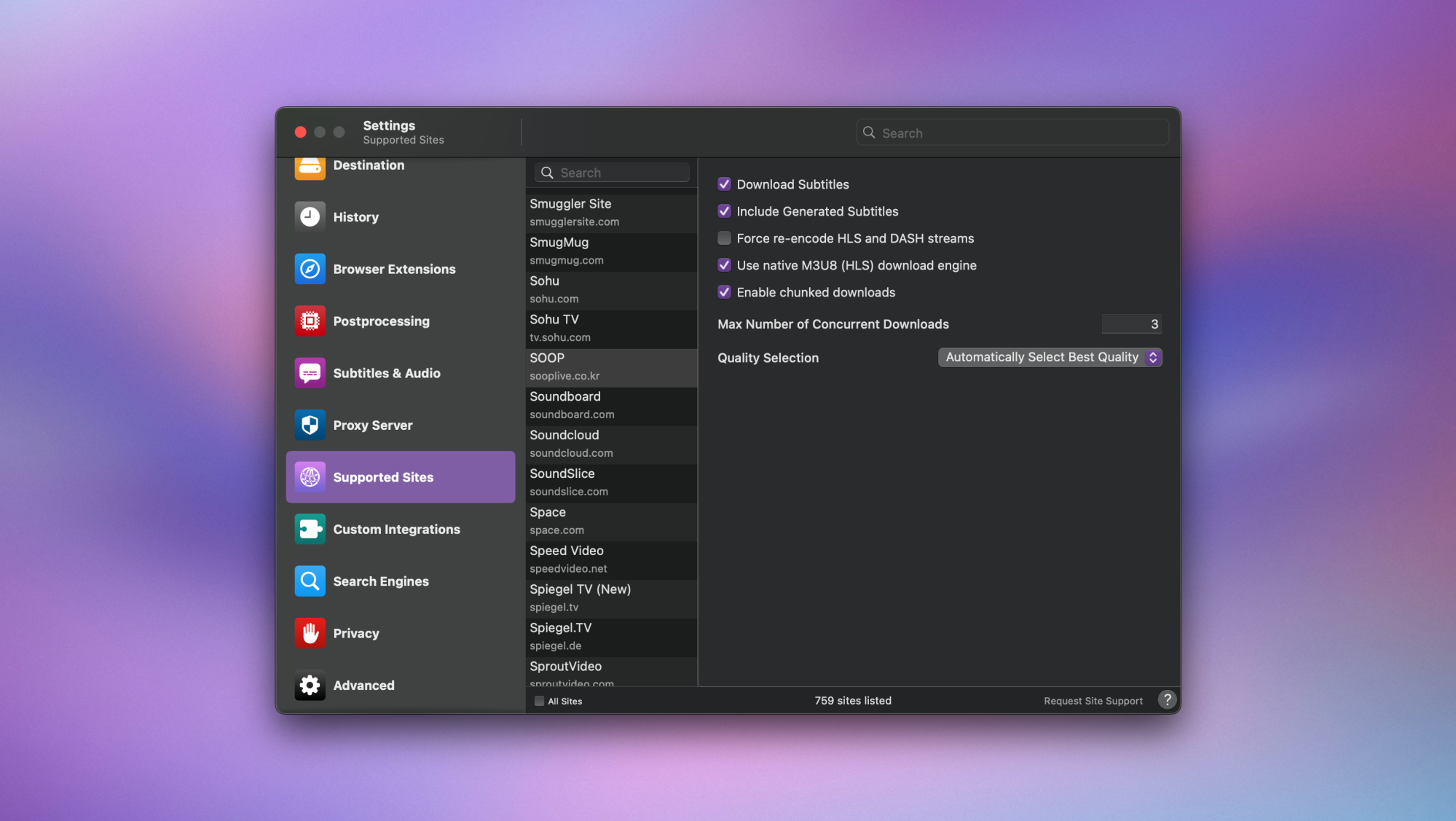
While Downie may appear straightforward, the customization options are extensive. To access these features, click the Downie icon in the menu bar and select Settings. Explore each category to familiarize yourself with what the application offers. In the General tab, you can adjust download quality settings, ensuring optimal storage management on your Mac by avoiding unnecessary 4K downloads.
The Destination tab allows you to define where your downloaded videos will reside and to select the desired format for video files. Additionally, it provides the option to save video thumbnails and extract audio from videos. If you wish to convert YouTube videos into MP3 formats, Downie can facilitate this through the Postprocessing settings, where you can choose between MP3, M4A, or the original format.
Curious about Downie’s features?
The Subtitles & Audio settings are particularly beneficial for users with hearing difficulties, offering the ability to download multiple subtitles in various languages. Furthermore, through the Proxy Server tab, users can download videos that may be restricted in certain geographical locations. Lastly, the Supported Sites tab enables you to customize download parameters for each compatible site, providing further personalization of your experience.
Acquiring Downie at a Discount

While the $20 cost of Downie may seem high to some, it’s important to recognize the ongoing effort involved in maintaining such an application. Websites frequently update their code, requiring Downie to adapt to ensure continued functionality. Numerous applications that neglect updates eventually become obsolete, making a reliable app with a transparent business model invaluable.
Fortunately, Downie is also available through Setapp, a subscription service offering access to over 200 Mac applications for just $10 per month. This service has garnered positive reviews, and for users planning to utilize more than just Downie, it presents an excellent opportunity for significant savings.